Convert stereo sound into immersive directional sound with a click of a button.
Put on headphones and press play, then switch between Original and 8D to hear the difference.
What it is
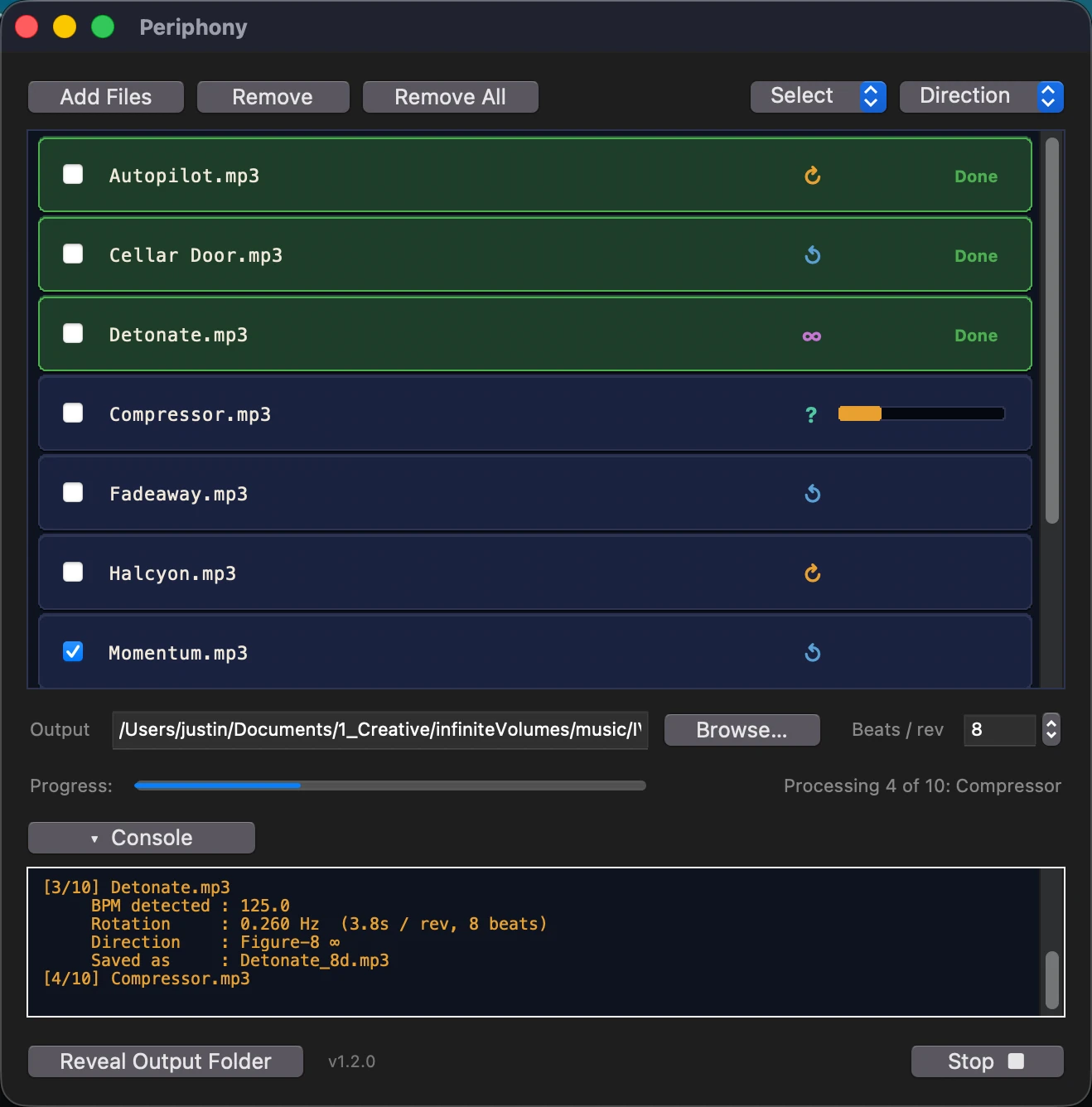
An app that converts stereo audio to an immersive auditory experience.
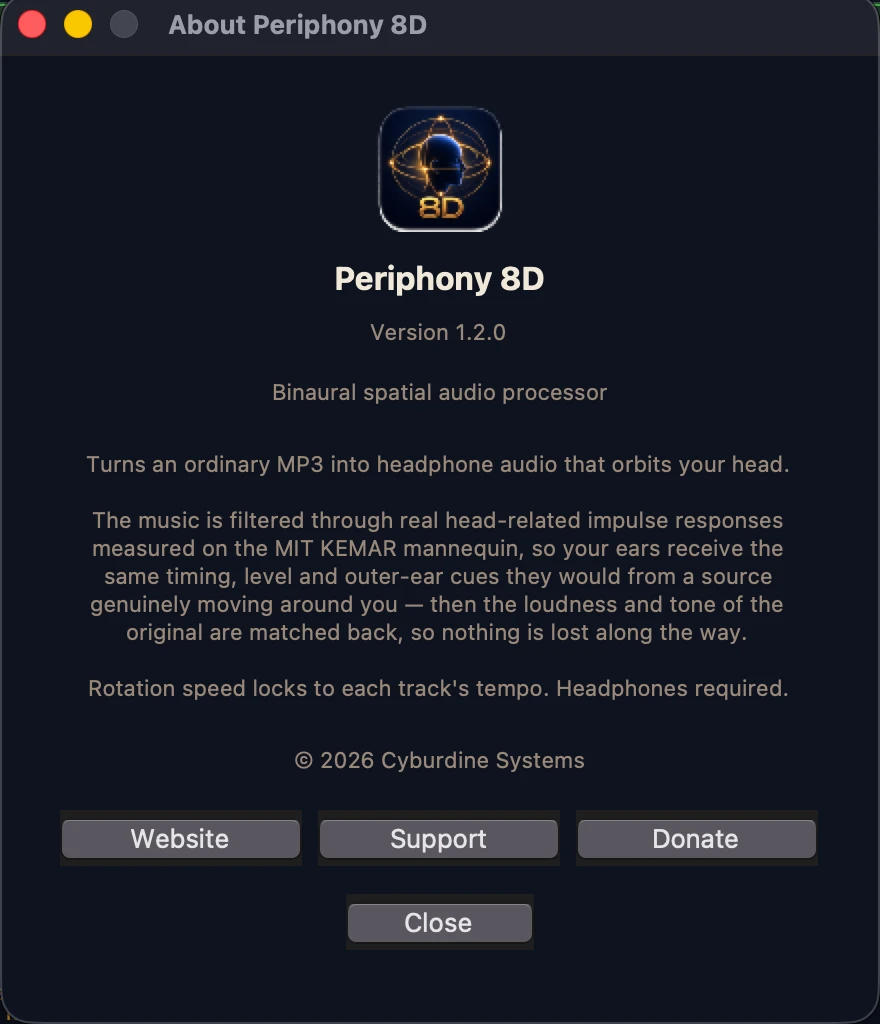
Drop MP3s in, press convert, get files back. The rotation is built from head-related impulse responses measured from real world research data from MIT.
Real ears, really measured
Your track is convolved at 36 azimuths — one every 10° — and crossfaded between neighbours sample by sample, so the source glides instead of stepping.
One orbit, eight beats
Each track's tempo is detected and the rotation locked to it, so the movement lands with the music. Adjustable from 4 to 64 beats per orbit.
Not just left and right
Bass below 150 Hz stays centred. Above it, the room response tightens in front and lengthens behind — the depth cue that stops it collapsing into panning.
| Measurement | Original | Periphony 8D |
|---|---|---|
| Integrated loudness | −13.3 LUFS | −13.4 LUFS |
| Worst tonal deviation | — | +2.6 dB |
| Centre channel | −15.1 dB | −16.8 dB |
| L/R correlation | +0.91 | +0.57 |
| Stereo width (S−M) | −13.3 dB | −5.6 dB |
The app
Drop files in. Press convert.
Runs entirely on your machine. No account, no telemetry, no subscription. Output is 320 kbps MP3.
Download
Free. One email, one click.
Once you put in your address and click send link, we'll send you an email with the download link.
- Confirm your email. Click the link we send. The download begins straight after.
- Open it the first time with a right-click. Right-click the app and choose Open, then confirm. macOS warns because the app isn't signed by a paid developer account — expected, and only once.
- Put headphones on. The effect is built from the difference between your two ears. Speakers destroy it.
MACOS 12 OR LATER · APPLE SILICON · MP3 IN, 320 KBPS MP3 OUT
VERSION 1.2.0 · RUNS ENTIRELY OFFLINE